
Every photo. A new palette.
Explore artistic photo filters and give familiar images a different look.
Download on the App StoreIn-app purchases available.
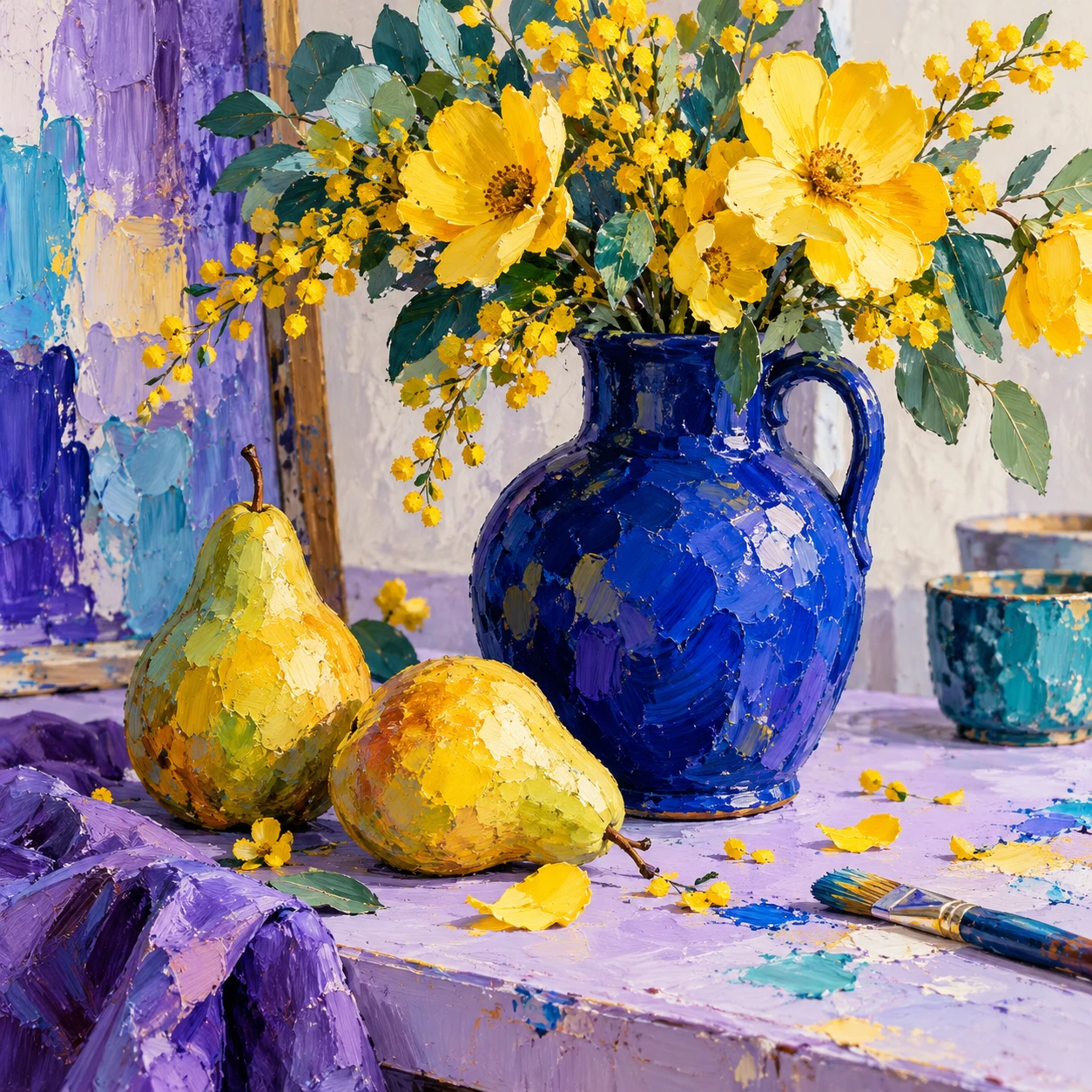
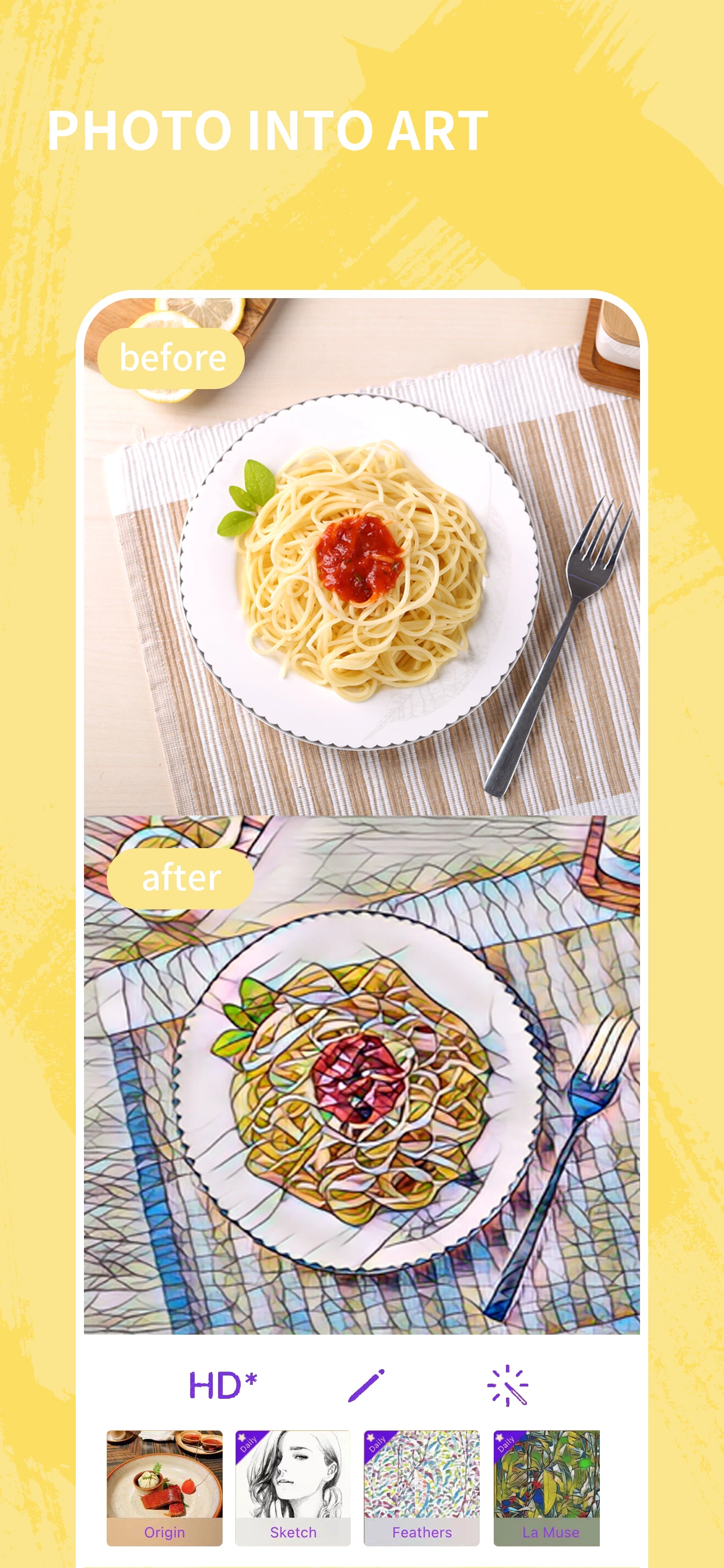
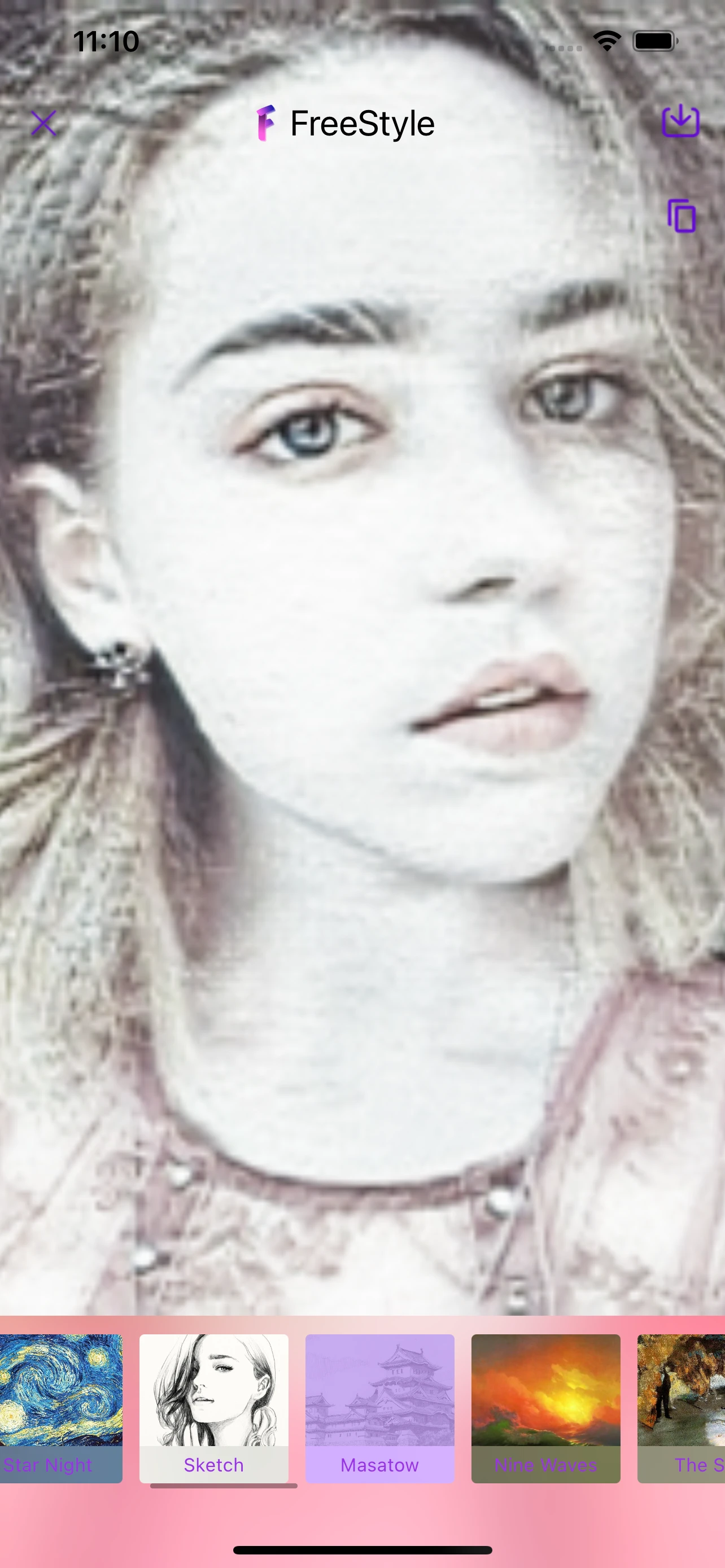
A different look, from your photo.
Choose an image, try a filter and review the details.
Choose your photo
Start with a photo you have permission to edit.
Explore a style
Compare the available artistic filters in the app.
Refine and review
Explore the image adjustments, then check the result.
Current App Store artwork. Options may vary.
Let the photo guide the style.
Try a few directions. Notice what each filter does to color, texture and detail.
Explore the art guidesFind a look for the photo you have.
Before your next edit.
Need help? Visit Support.
What can Photo2Art do?
It applies artistic filters to photos and includes image adjustments such as brightness, exposure and temperature.
Does Photo2Art include purchases?
Some features require an in-app purchase. Availability and prices depend on the current offer and region. Review the details in the app before purchasing.
Can I edit photos on this website?
Edit photos in the Photo2Art app. This website provides product information, guides and support.